 New MetaModel
Clicking the icon “ New MetaModel” opens the input mask for creating the new MetaModel.
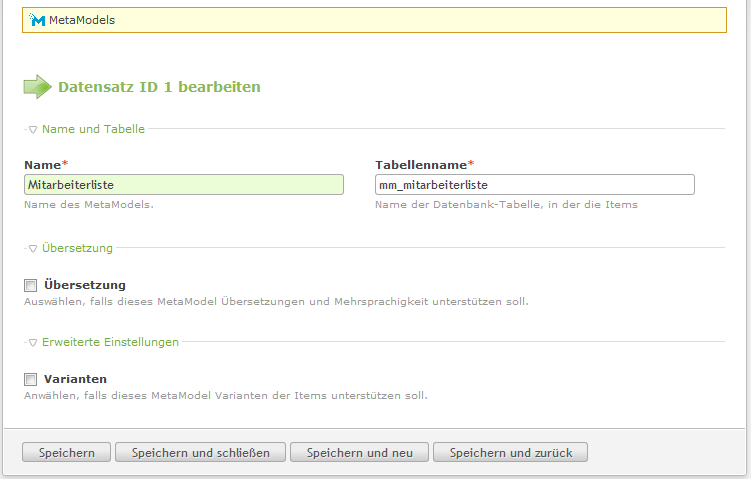
Enter “Employee List” in the “Name” field and “mm_employeelist” in the “Table name” field —
see screenshot.
After saving and closing the input mask, you return to the MetaModels overview. The first MetaModel “Employee List” should now be created — see screenshot.

By creating the MetaModel “Employee List”, a table “mm_employeelist” was created in the database. The MetaModel component icons can be used to continue with further configuration. All Components of a MetaModel that do not need to be configured are skipped, with a corresponding note.