View Condition: Show When Checkbox Is Not Checked
Note
This configuration is no longer necessary from version 2.3 — the value “-” and “Inactive” are equivalent, so the select field reverts to the first value “-” after saving.
If you want to create a view condition where the corresponding field is shown when a checkbox is not checked, this cannot be achieved by triggering on the “Inactive” value of the checkbox.
The reason is the different handling of the “unchecked” value between MetaModels
and the Contao core — Contao core stores an empty string '' instead of zero
(0). This in turn cannot currently be processed by MetaModels or the DCG.
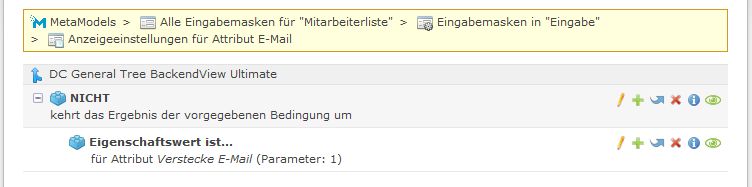
The problem can be worked around with a small workaround by triggering the visibility on “checked” but inverting the check with a NOT condition. To do this, first create a NOT condition in the view conditions, and inside it add the check of the checkbox for “Active” (see screenshot).
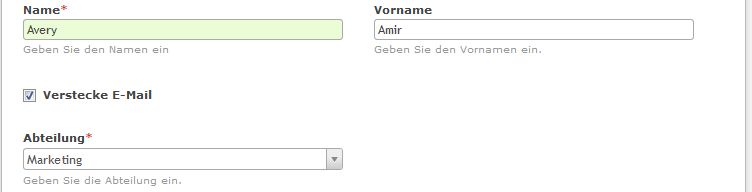
The following two screenshots show the hiding of the e-mail input field when the checkbox is checked.
E-Mail shown
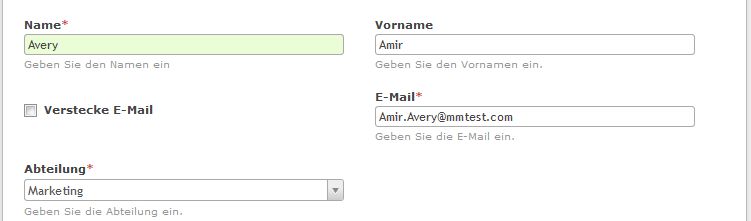
E-Mail hidden